Similar to the hardhat verification plugin, this plugin submits the contract source and other info of all deployed contracts to Sourcify.

Verify

Similar to the verification approach described in the hardhat verification plugin, you can verify the contract source code in Sourcify as well by setting the following in the hardhat config file:
Optimism Sepolia example:

Confirm Verification on Blockscout

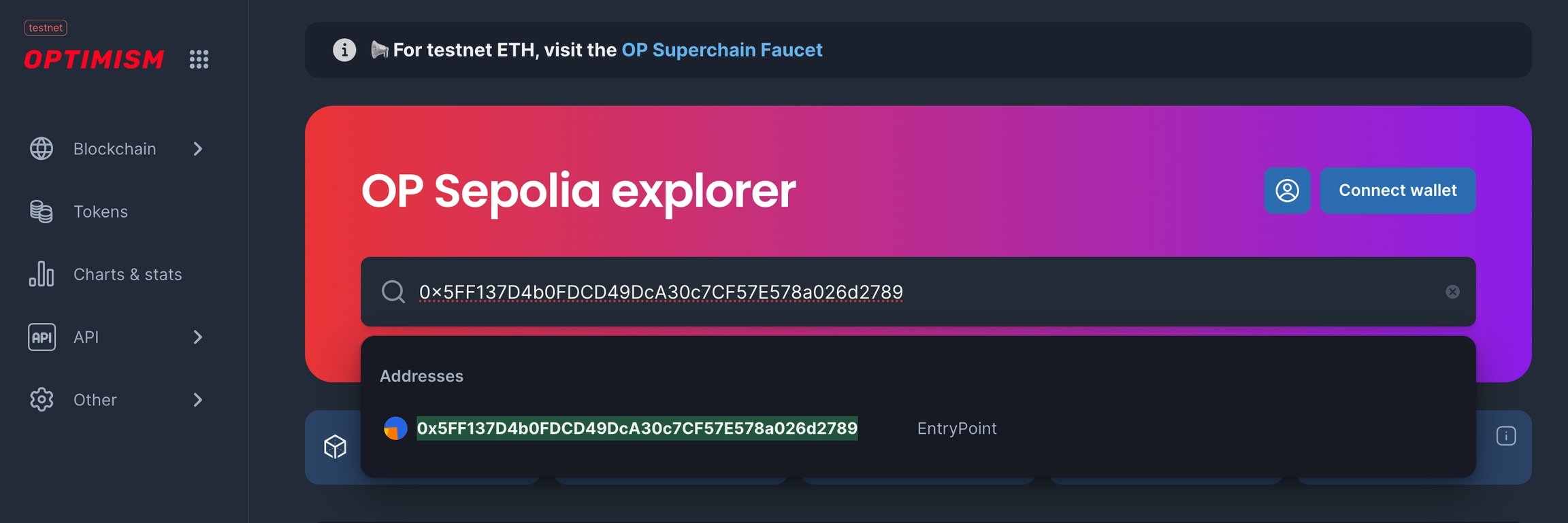
Go to your BlockScout instance and paste the contract address into the search bar.
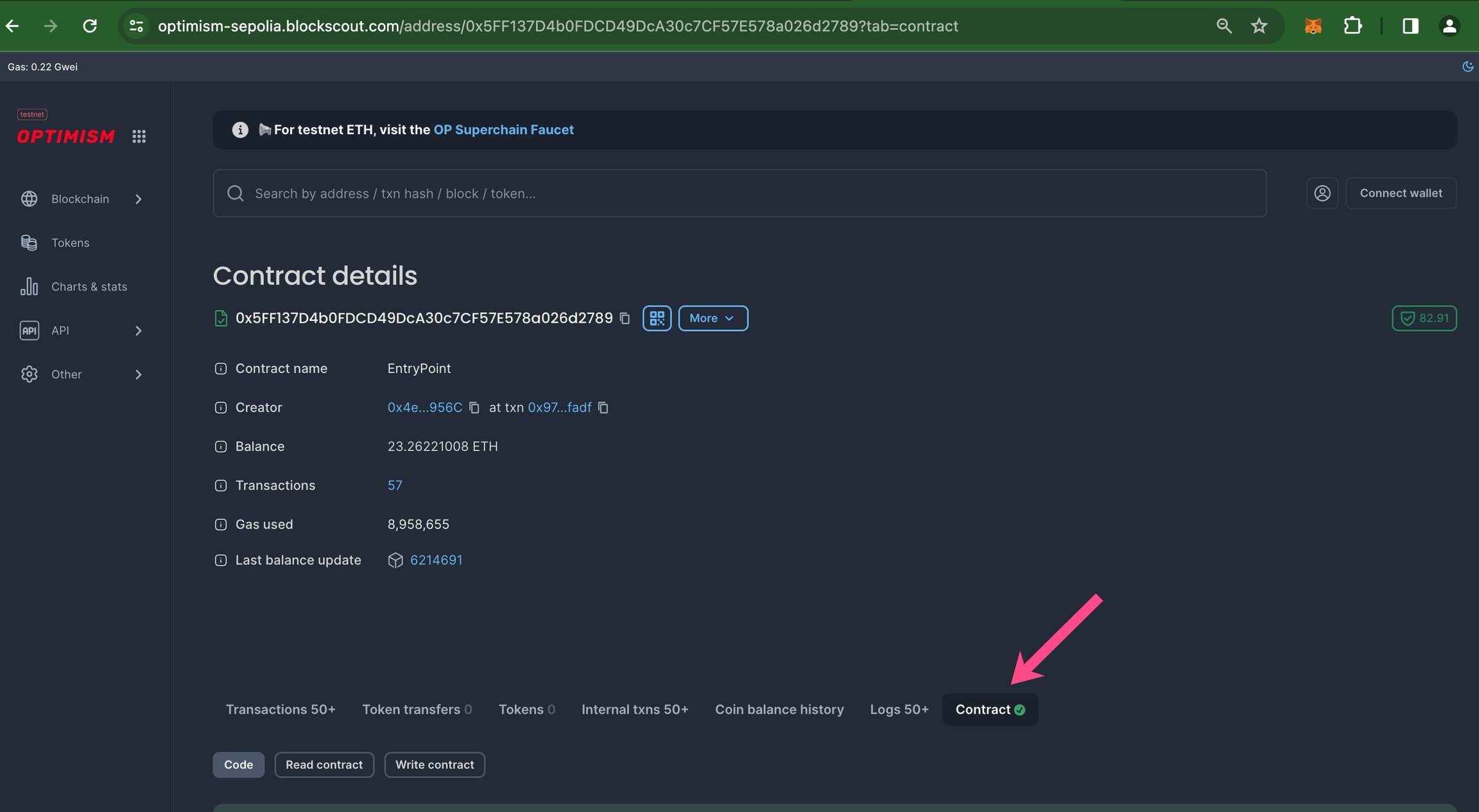
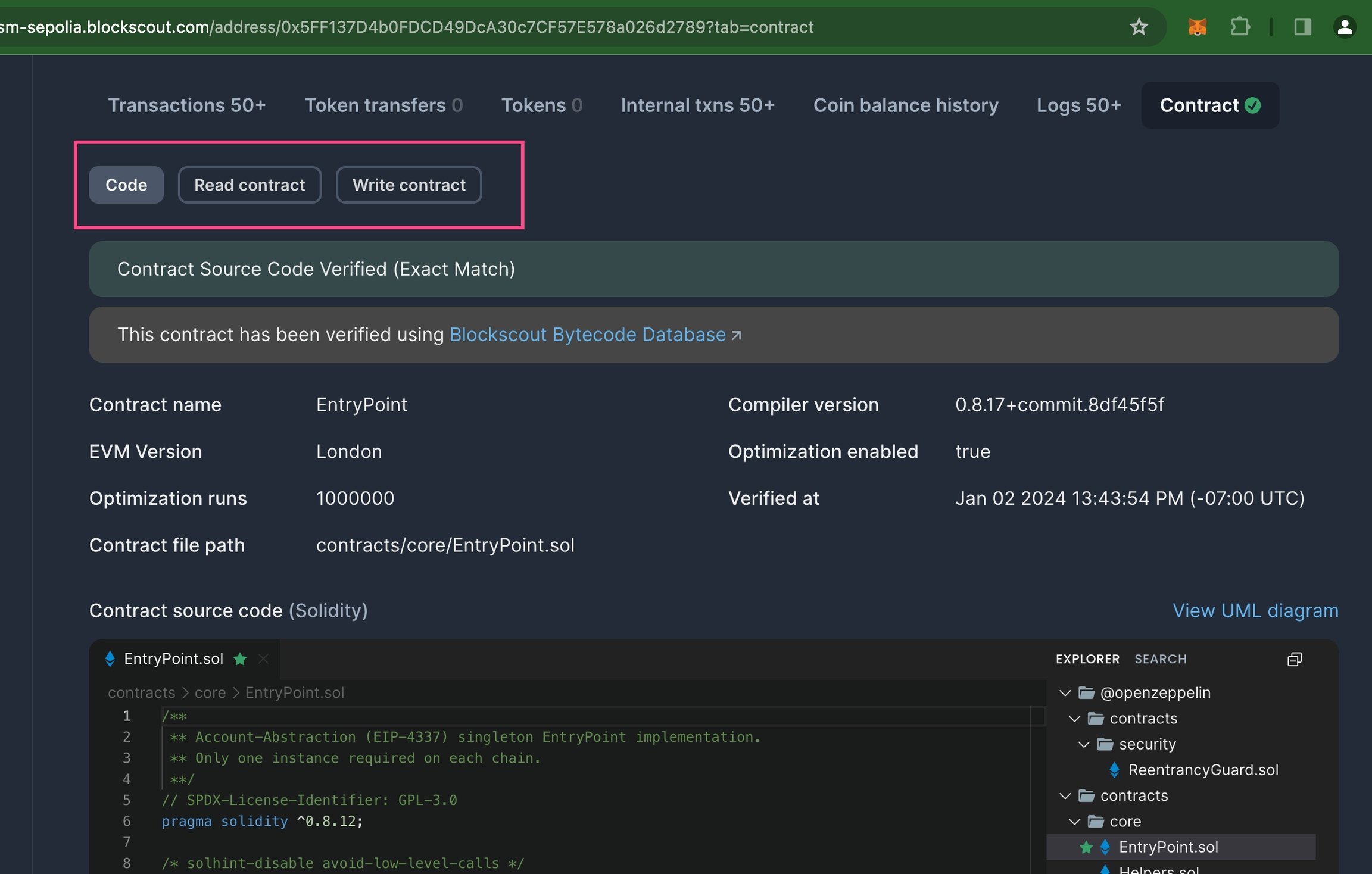
Scroll down to see verified status. A green checkmark ✅ means the contract is verified.
If your screen size is limited, you may need to click the 3 dots to view and click through to the contract.
Scroll down to see and interact with the contract code.